ARTICLE
SaaS Pricing Page UX in 2026: A Decision Architecture Checklist

Dmitriy Dar
Founder
Updated:
Introduction
If your pricing page gets traffic but doesn’t convert, it’s rarely “because the price is too high.”
It’s usually because the page fails at one job: helping a buyer make a confident decision quickly.
And in 2026, buyers are faster, more skeptical, and overloaded with alternatives. Your pricing page isn’t a brochure. It’s a decision system.
Here’s how to fix it.
What a pricing page really is (and what teams get wrong)
A pricing page is your product’s conversion architecture:
It frames the offer.
It sets expectations.
It reduces perceived risk.
It answers “what happens next” without forcing a sales call.
What teams confuse it with:
A feature list
A billing table
A “pick a plan” screen
Where money leaks:
Too many choices
Vague plan differences
No clear recommendation for this buyer
Weak proof and risk reversal
CTA paths that don’t match how you sell (trial vs demo vs sales-led)
The Pricing Page Checklist (What to do, why it matters, common mistakes)
1) Make the buyer’s path obvious in 5 seconds
Why it matters: If users can’t instantly tell which option fits them, they bounce or delay.
What to do:
Write one line at the top that answers: “Who is this for?”
Add a simple selector when needed: Individual / Team / Enterprise or Startup / Growth / Scale
Make the primary CTA consistent with your motion: Start Trial, Book Demo, or Talk to Sales (not all at once)
Common mistake: Forcing three CTAs across three plans when only one is the real business goal.
Example: A security SaaS that’s sales-led shouldn’t bury “Book a demo” under three “Start free” buttons that go nowhere.
2) Reduce options, increase clarity (most SaaS need 2–3 plans)
Why it matters: More plans rarely mean more revenue. It usually means more confusion.
What to do:
Default to 2–3 plans + Enterprise as a separate path if needed
Use plan names that imply scope, not fantasy (“Starter / Pro / Business” beats “Spark / Rocket / Galaxy”)
Ensure each plan has a distinct buyer profile
Common mistake: Four plans that differ by random feature toggles, not by customer type.
3) Give every plan a clear “value headline”
Why it matters: People don’t buy features. They buy outcomes and lower risk.
What to do:
For each plan, add a short headline like:
“For solo founders who need the basics fast”
“For teams who need approvals + reporting”
“For regulated orgs: SSO, audit logs, SLAs”
Then show 3–5 benefit bullets (not 20 features)
Common mistake: Leading with a wall of feature names that require product knowledge to decode.
4) Use one recommended plan (but earn the recommendation)
Why it matters: Buyers want to be guided. But they can smell manipulation.
What to do:
Highlight one plan as “Most chosen” only if you can justify it
Add a line: “Best for teams doing X”
Keep the upgrade path obvious (what you gain, not what you lose)
Common mistake: Aggressive visual bias with no rationale. It kills trust.
5) Make the differences between plans impossible to misread
Why it matters: If buyers can’t compare cleanly, they postpone or bounce.
What to do:
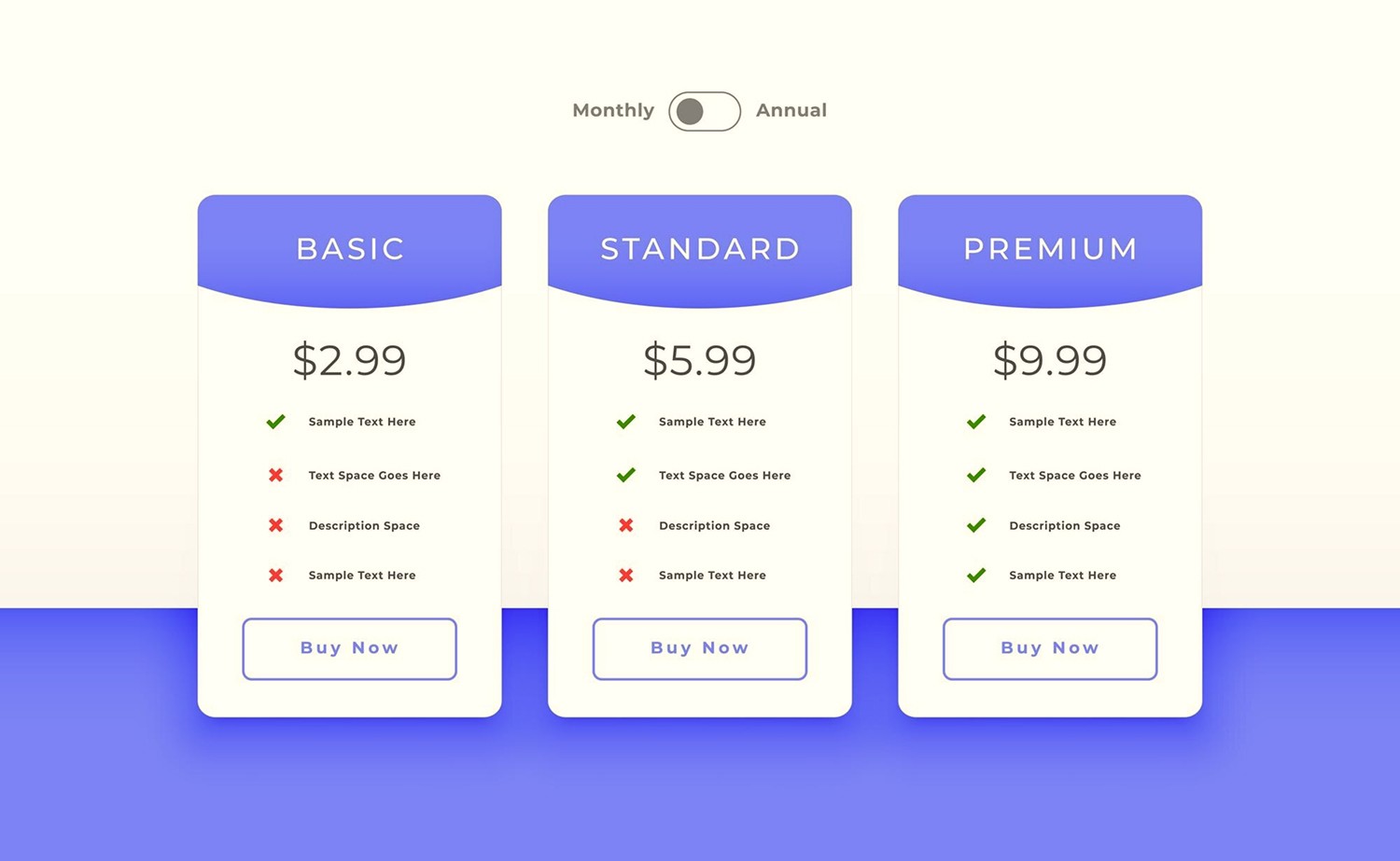
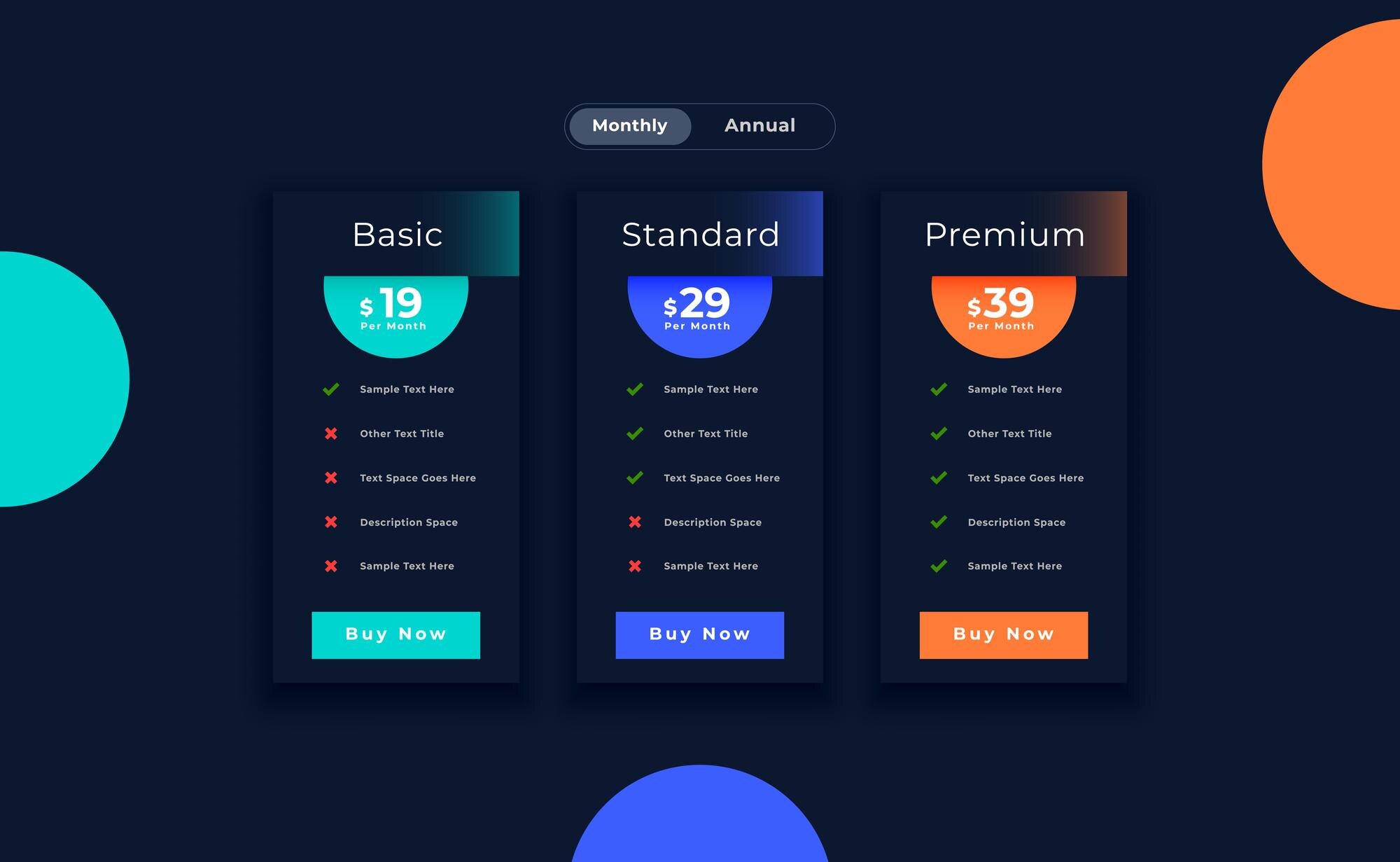
Put plan differences into a small comparison grid below the cards:
Limits (users, projects, scans, seats)
Key capabilities (permissions, reporting, integrations)
Support level
Use plain language:
“Audit logs” not “Compliance event journaling”
Common mistake: Hiding limits in tiny tooltips or forcing users to click around.
6) Match packaging to how you actually charge
Why it matters: Pricing pages fail when packaging contradicts the real billing logic.
What to do (common models):
Per seat: be explicit about who needs a seat
Usage-based: show a real example (“$X for Y events/month”)
Hybrid: show base + usage with a calculator or ranges
Sales-led: don’t fake self-serve. Make the next step clear and frictionless
Common mistake: “Contact sales” everywhere with no context. It reads as “it’s expensive and complicated.”
7) Add risk reversal where the decision happens
Why it matters: Pricing decisions are risk decisions.
What to do:
Place these near CTAs (not in the footer):
“Cancel anytime”
“No credit card required”
“14-day trial”
“Security reviewed/SOC2/GDPR ready” (only if true)
“Response SLA” for paid tiers
Common mistake: Keeping trust signals far away from the moment of commitment.
8) Don’t hide the “what happens next” flow
Why it matters: Uncertainty destroys conversions.
What to do:
Under the CTA, add a 3-step micro-flow:
Create account
Connect X/Invite team
Get value in 10 minutes
For sales-led: show what the demo includes and how fast you respond
Common mistake: “Start trial” with no explanation, then a confusing onboarding cliff.
9) Put proof next to the claim (not in a separate “Customers” page)
Why it matters: Claims without proof read like marketing.
What to do:
Add 2–3 proof objects on the pricing page:
recognizable logos (if allowed)
one sharp testimonial (results-based)
a metric line (“Teams reduce X by Y%” only if real)
Keep it tight. This is not a case study page.
Common mistake: A pricing page that asks for money with zero credibility.
10) Write FAQs that remove real objections (not generic filler)
Why it matters: FAQs are conversion unblockers. Treat them like sales enablement.
What to do:
Answer the questions buyers actually worry about:
refunds, cancellation
contracts, invoicing
security, compliance
migrations
seat definitions
Keep answers short, direct, and specific.
Common mistake: 12 FAQs that say nothing (“Do you offer support? Yes.”)
Metrics & instrumentation (how you know what’s broken)
Track pricing as a funnel, not a pageview.
Core events:
Pricing page view Ю CTA click (trial/demo/contact)
Plan card interaction (toggle monthly/yearly, expand details)
Scroll depth + time to decision
Exit destinations (bounce vs back to features vs docs)
Trial start/demo booked attribution to pricing page
Behavioral red flags:
High scroll + low CTA = confusion, not lack of interest
Lots of toggling plans = unclear differentiation
High “compare plans” interaction + low conversion = packaging problem
Repeated visits before conversion = missing trust/risk reversal
The DAR approach (pricing as architecture, not decoration)
When we fix pricing pages, we don’t “make it look modern.”
We treat it as a decision system:
Clarify buyer types and plan logic (so packaging matches reality)
Rebuild the page as a conversion flow (CTA hierarchy + proof + risk reversal)
Deliver dev-ready outputs: UI components, copy blocks, edge cases, and tracking events
Result: fewer confused clicks, more confident starts.
Case from our practice
We worked with a SaaS team that came to us asking for a “high-converting pricing page,” but what they actually wanted was something else: they wanted the page to solve their pricing strategy for them. The product had a real audience and real traction, but the internal logic was still unstable. One week, they wanted to push a free tier hard (“we need growth”), the next week, they wanted to hide it (“free users don’t pay”), then they wanted to make Enterprise the “main plan” because it felt more premium — even though their sales motion, onboarding, and support capacity were not enterprise-ready. In other words: they were trying to fix positioning with a table layout.
So we did the boring adult move: we froze the game. We told them directly: the pricing page can’t be the place where you change your business model mid-flight. That decision has to be made upstream, because everything depends on it — onboarding, activation path, support promise, and even the language your product uses. Once we had a stable plan structure (self-serve vs sales-led separation, what “Pro” is for, what “Business” is for, what “Enterprise” actually unlocks), then design could do its job: make the decision feel obvious and safe.
The conversion leak wasn’t “price.” It was cognitive overload + unclear differentiation. Their page was a wall of features where every plan looked like “everything + more everything.” Users couldn’t tell what mattered, couldn’t quickly self-identify (“this is the plan for my situation”), and had no risk reversal at the moment of commitment. We rebuilt the page as a decision system: 2–3 plans max + a clean Enterprise path, one recommended tier with an earned rationale, 3–5 benefit bullets per plan (not 40 feature rows), and a compact comparison grid focused on the few things buyers actually use to choose (limits, permissions, integrations, reporting, support). We also added “what happens next” micro-flow under CTAs and repeated trust/reversal signals where the decision happens (“cancel anytime,” trial terms, invoicing options, security posture if applicable).
The takeaway: a great pricing page doesn’t manipulate people into paying. It removes uncertainty, makes the upgrade path legible, and reflects a business model that’s already coherent. If a founder keeps rewriting the business logic inside the pricing table, no UI can save it — but once pricing is stable, UX can drastically increase decision confidence and conversion. (Client and project details anonymized.)
Sources
FAQ
How many pricing plans should a SaaS have in 2026?
Usually 2–3. More plans increase cognitive load unless you have clearly different buyer types.
Should we show pricing publicly or hide behind “Contact sales”?
If you’re sales-led, you can still show ranges or starting prices. Total opacity often kills trust and intent.
Is “Most Popular” still effective, or does it feel manipulative?
It works if it’s earned. Add a reason: “Best for teams doing X.” Otherwise, it hurts credibility.
What converts better: free trial or book-a-demo?
It depends on product complexity and setup time. If users can reach value fast, trial wins. If value requires guidance or compliance, demo wins.
How do we handle usage-based pricing without confusing people?
Show an example with real numbers and add ranges. Buyers need predictability, not perfect math.
Where should FAQs live on the pricing page?
Below plans, after proof, before the final CTA. Use them to remove objections right before commitment.
Should we include a full feature comparison table?
Only if buyers need it. Keep it scannable and focused on differences, not every single feature.
How do we price Enterprise without scaring smaller buyers away?
Separate the Enterprise path. Don’t mix “Contact sales” in the same grid if your main motion is self-serve.
What are the biggest pricing page UX mistakes you see in SaaS?
Too many choices, vague plan differences, weak proof, and CTAs that don’t match the sales motion.
How do we know if conversion drops are pricing or UX?
If CTA clicks are low, it’s UX/clarity/trust. If CTA clicks are high but checkout/trial completion drops, it’s onboarding or offer mismatch.
Should we push annual billing by default?
You can highlight it, but don’t trap users. Make the monthly easy to select and explain the annual value clearly.
What’s the fastest way to improve a pricing page without a full redesign?
Fix plan differentiation, add risk reversal near CTAs, and rewrite FAQs to remove real objections.
TEAM'S BLOG